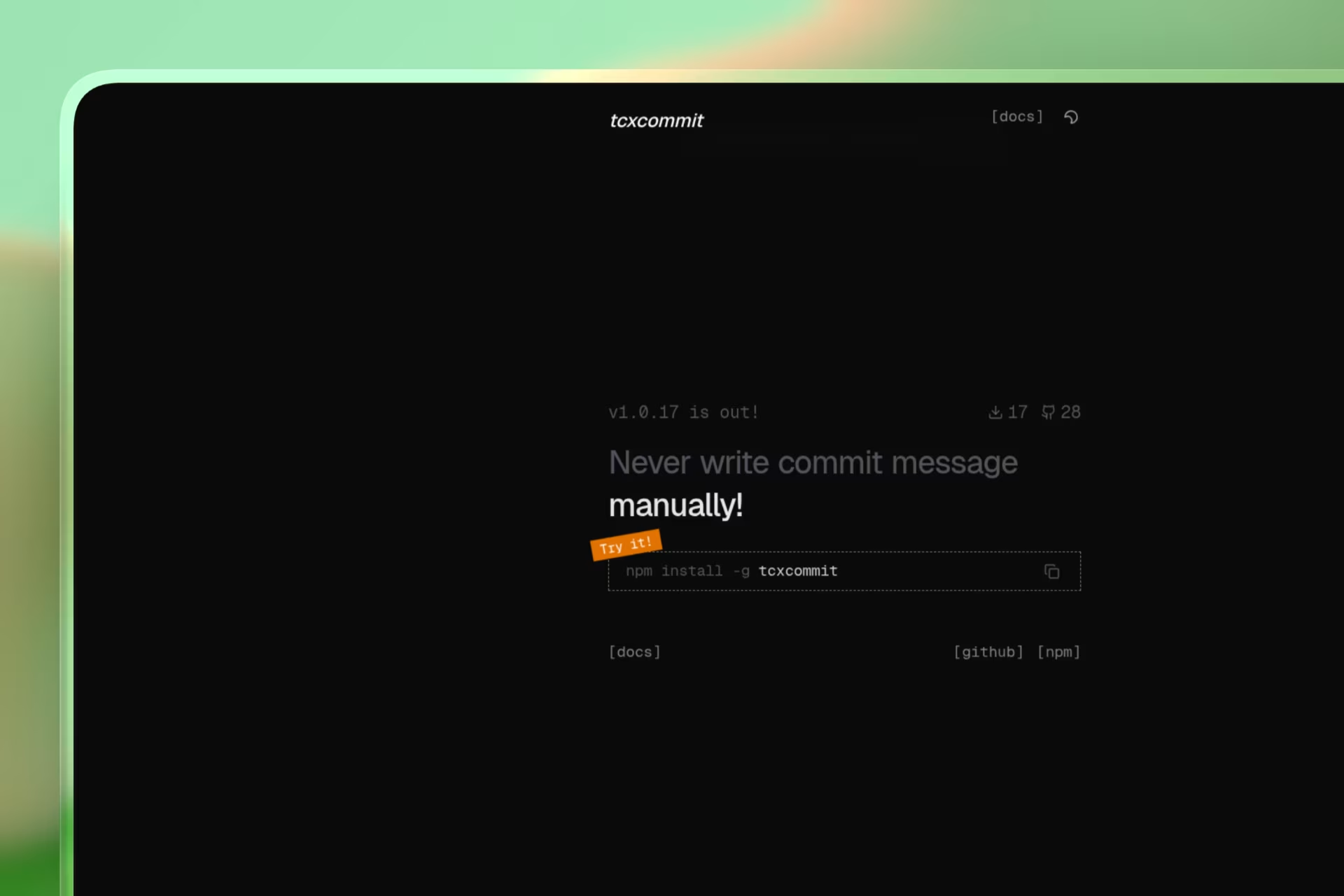
tcxcommit - AI Git Commit Message Generator

AI-powered git commit message generator CLI tool. Generate conventional commit messages using OpenRouter AI. Supports npm installation.

tcxcommit - AI Git Commit Message GeneratorClick to zoom
Timeline

2 Weeks

Role

Creator

Team

Solo

Status
Completed

Technology Stack

Node.js
TypeScript
OpenRouter AI

Key Challenges

  • CLI Interaction Design
  • Git Integration
  • API Key Management
  • Terminal UI

Key Learnings

  • Node.js CLI Development
  • OpenRouter API Integration
  • Package Publishing

tcxcommit - AI Git Commit Message Generator

tcxcommit is a command-line tool that uses artificial intelligence to generate meaningful and conventional git commit messages. Simply stage your changes and let tcxcommit create the perfect commit message for you. It supports both free trials and your own OpenRouter API key.


Features

  • AI-powered commit message generation
  • Conventional commit format support (feat:, fix:, docs:, refactor:, etc.)
  • Free to start with 5 trial commits
  • Option to use your own OpenRouter API key for unlimited usage
  • Automatic change staging
  • Git push support after commit
  • Clean and beautiful terminal interface
  • Rate limit handling
  • Network error handling

Installation

Prerequisites

  • Node.js 18 or higher
  • Git installed and configured
  • Internet connection (for AI API calls)

Install via npm

npm install -g tcxcommit

Install via npx

npx tcxcommit

Usage

Basic Usage

  1. Navigate to your git repository
  2. Make some changes to your files
  3. Run the following command:
tcxcommit
  1. Follow the interactive prompts:
    • Press Enter to continue
    • Choose API option (free trials or your own key)
    • Wait for AI to generate commit message
    • Accept, regenerate, or exit
    • Choose to push to remote after commit

Using with Git

tcxcommit automatically stages your changes before generating the commit message:

# Stage specific file
git add filename.js

# Stage all changes
git add .

# Stage specific folder
git add src/

API Key Options

Option 1: Free Trials

By default, tcxcommit provides 5 free trial commits using OpenRouter's free AI model.

  • No API key required
  • 5 free commits included
  • Shows remaining trials on each run

Option 2: Your Own API Key

For unlimited commits, use your own OpenRouter API key:

  1. Visit OpenRouter.ai to get a free API key
  2. Run tcxcommit
  3. Select "Use my own API key" when prompted
  4. Enter your API key

How It Works

  1. Checks for git repository in current directory
  2. Stages all changes automatically using git add .
  3. Gets the staged diff using git diff --cached
  4. Sends the diff to OpenRouter AI API
  5. AI generates a conventional commit message
  6. Displays the suggested message
  7. User accepts, regenerates, or exits
  8. If accepted, commits with the generated message
  9. Optionally pushes to remote repository

Troubleshooting

No changes found

Error: No changes found

Solution: Make some changes to your files and try again.

Rate limit exceeded

Error: Rate limit exceeded

Solution: Use your own OpenRouter API key for unlimited commits.

Network error

Error: Network error. Please check your internet connection.

Solution: Ensure you have an active internet connection.

Git not installed

Error: Git is not installed or not in PATH

Solution: Install Git and ensure it's available in your system PATH.

Permission denied (Linux/Mac)

sudo npm install -g tcxcommit

Or fix npm permissions:

mkdir ~/.npm-global
npm config set prefix '~/.npm-global'
echo 'export PATH=~/.npm-global/bin:$PATH' >> ~/.bashrc
source ~/.bashrc
npm install -g tcxcommit

Commands

# Start tcxcommit
tcxcommit

# Or use npx without installing
npx tcxcommit

Configuration

tcxcommit stores its configuration in:

  • Linux/macOS: ~/.tcxcommit/config.json
  • Windows: C:\Users\YourUsername\.tcxcommit\config.json

Security

  • Your API key is stored locally in the configuration file
  • Keys are never sent to any server except OpenRouter
  • No data is collected or analytics are sent anywhere

Technologies Used

  • Node.js - JavaScript runtime
  • TypeScript - Programming language
  • OpenRouter - AI API provider
  • Chalk - Terminal string styling
  • Prompts - Interactive CLI prompts

License

ISC License

Keywords

git commit message, AI commit generator, conventional commits, git automation, CLI tool, npm package, developer tools, git hooks, commitizen alternative, OpenRouter, commit message generator, AI git, git helper, terminal tool, node CLI

"You have a right to perform your prescribed duty, but you are not entitled to the fruits of actions."
Bhagavad Gita

Design by SahilCodex
© 2026. Build with Hands.